What's New in DriveVault

We build in the open. Every feature, fix, and improvement - tracked here so you always know what's changed.

Transparent development
🚀 Public Launch v1.0 January 2026
General Availability App Store Stable Release

Highlights

  • DriveVault is officially out of beta and available for everyone on the Mac App Store. After months of rigorous testing with our incredible beta community, we're ready for the world.
  • All core features have been battle-tested and refined based on real-world usage from photographers, videographers, archivists, and creative professionals.
  • Stable, reliable scanning across drives of all sizes - from 1GB USB sticks to multi-terabyte long term storage units. Although we generally recommend using Quick Scan for drives over 4TB or 100,000 files, we've successfully scanned and used DriveVault using Full Scan with multiple 40tb drives in the Drive Library. Quick Scan has also been widely documented scanning 40tb+ hard drives in under 3 seconds.
  • A polished, native macOS experience that feels right at home on your Mac - complete with Light, Dark, and Glass themes.

A Note From Our Team

We're a small, independent team and we're incredibly proud to reach this milestone. DriveVault has been through extensive beta testing over several months, but the nature of external hard drives means there are endless combinations of hardware, file systems, and workflows out there.

If you encounter an edge case or something unexpected: please be patient with us, and submit a bug report. Your feedback directly shapes DriveVault's future. Together, we'll make this the most powerful drive cataloguing tool on the Mac.

Thank you for believing in what we're building. 💙

New Features v0.9.8 January 2026
Quick Search Projects Scanning Pricing

Highlights

  • Added macOS top menu Quick Search. Click the eye icon to open a powerful search bar separate from the main app window. Find any file instantly with advanced filters and sorting, without opening DriveVault.
  • Introduced Project sorting. Hover over any project to reveal up and down arrows, allowing you to reorder projects in any way that suits your workflow.
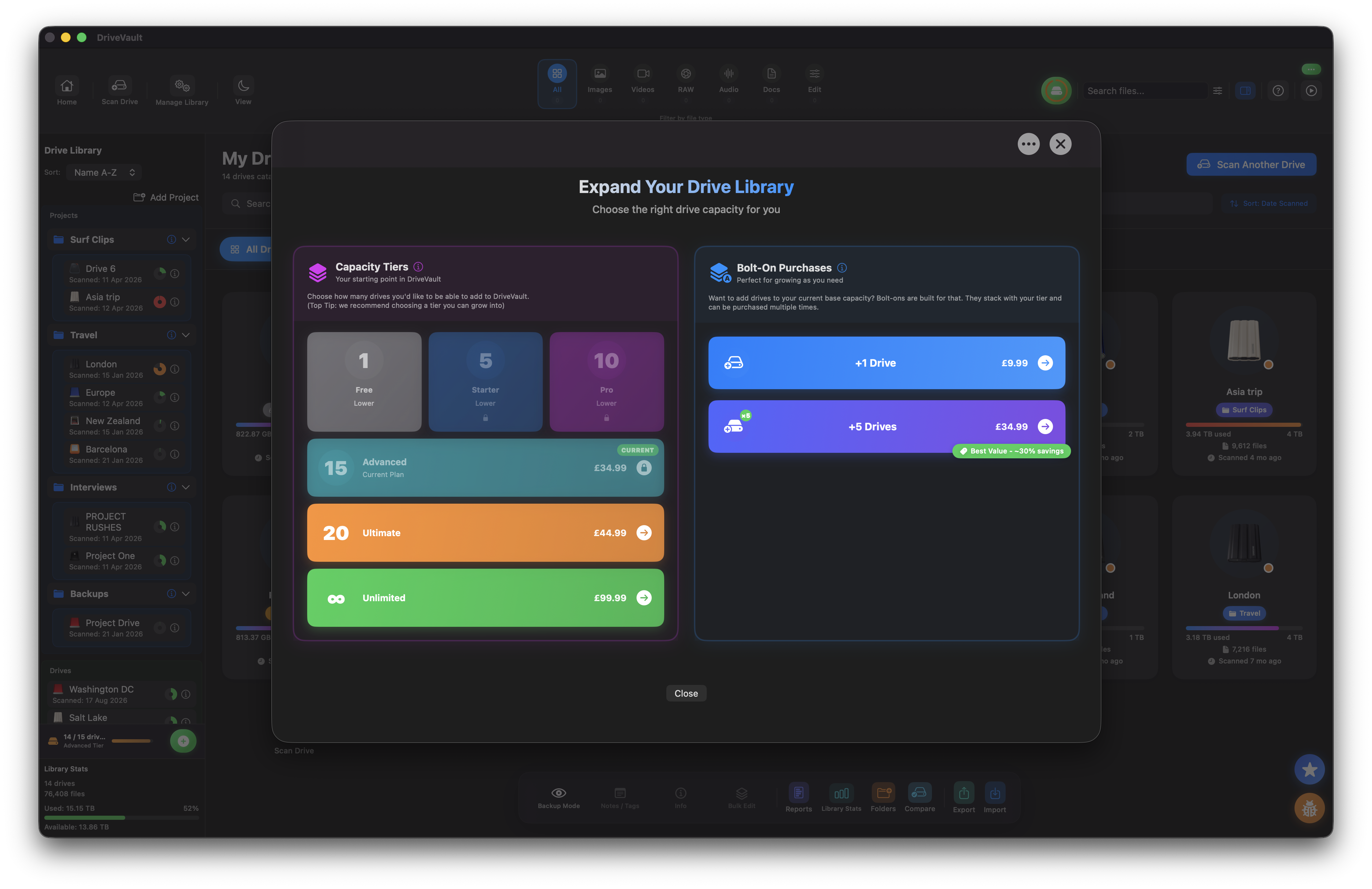
  • Launched a new, simpler non-subscription pricing model based on user feedback. Pay only for the number of drives you need, with flexibility to grow.
  • Implemented new and improved scanning logic using intelligent drive partitioning to support larger drives and prevent stalled scans.
  • Major overhaul of the Manage Library system, including a powerful new library reset option.

Improvements & Fixes

  • Overall stability improvements and extensive bug fixes across the app.
  • Fixed an issue where the Compare feature could incorrectly report 0% similarity.
  • Introduced new button colours and subtle glows for improved visual clarity.
  • Improved re-scanning behaviour - previously scanned drives now update incrementally.
Improvements v0.9.5 October 2025
Large Drive Scanning UI Performance

Highlights

  • Fixed large drive scans failing or stalling at 50% with new auto-partitioning logic.
  • Redesigned Drive Scan UI with "Full Scan + Previews" default.
  • Added lazy loading for large libraries to prevent stalling.
  • Fixed column sorting for file size.
  • Added loading screen for Library Stats.
  • Smarter Backup Mode with refreshed duplicate detection.

Technical Notes

  • New background partitioning handles drives above 2TB (200k+ files).
  • Scans take approximately 3-6 mins per TB.
  • Lazy loading ensures smooth navigation across massive catalogs.
  • Removed legacy "High Capacity Mode" - replaced with intelligent auto-partitioning.
Public Beta v0.9.0 September 2025
Offline Library Search UI

Highlights

  • Public Beta launch with offline drive catalogs and global search.
  • Finder-style Column, Icon, and List views with quick previews.
  • Drive Library with custom icons, names, and online/offline status.

Technical Notes

  • EXIF/metadata search and file-type filters.
  • Smart Collections: Recent Photos, Large Files, and Unlabeled.
  • Analytics dashboard with file-type breakdown and charts.
  • Performance: background scanning for 500k+ files.
  • Security: local-only storage; optional password lock.
Improvements v0.8.2 September 2025
Performance Thumbnails

Highlights

  • 2x faster initial scans on large photo/video drives.
  • Smoother column navigation and better breadcrumb history.

Technical Notes

  • Reduced memory spikes on libraries with many small files.
  • Improved EXIF extraction for HEIC/HEIF variants.
  • Fixed rare freeze when switching between Icon and List views quickly.
Fixes v0.7.0 August 2025
Stability UX

Highlights

  • Crash fixes during very large directory walks.
  • Refined empty states and tooltips across the app.

Technical Notes

  • Improved error handling for disconnected network volumes.
  • Added first pass of drive personalization (custom icon & name).
  • Keyboard nav: ←/→ to move columns, ⌘K to jump to search.

Help shape DriveVault's future

Got an idea or found a bug? We're listening.