
Like having Command F for your unplugged hard drives
Search across every hard drive you own at once. No more hunting for the right one. Scan once, search forever.
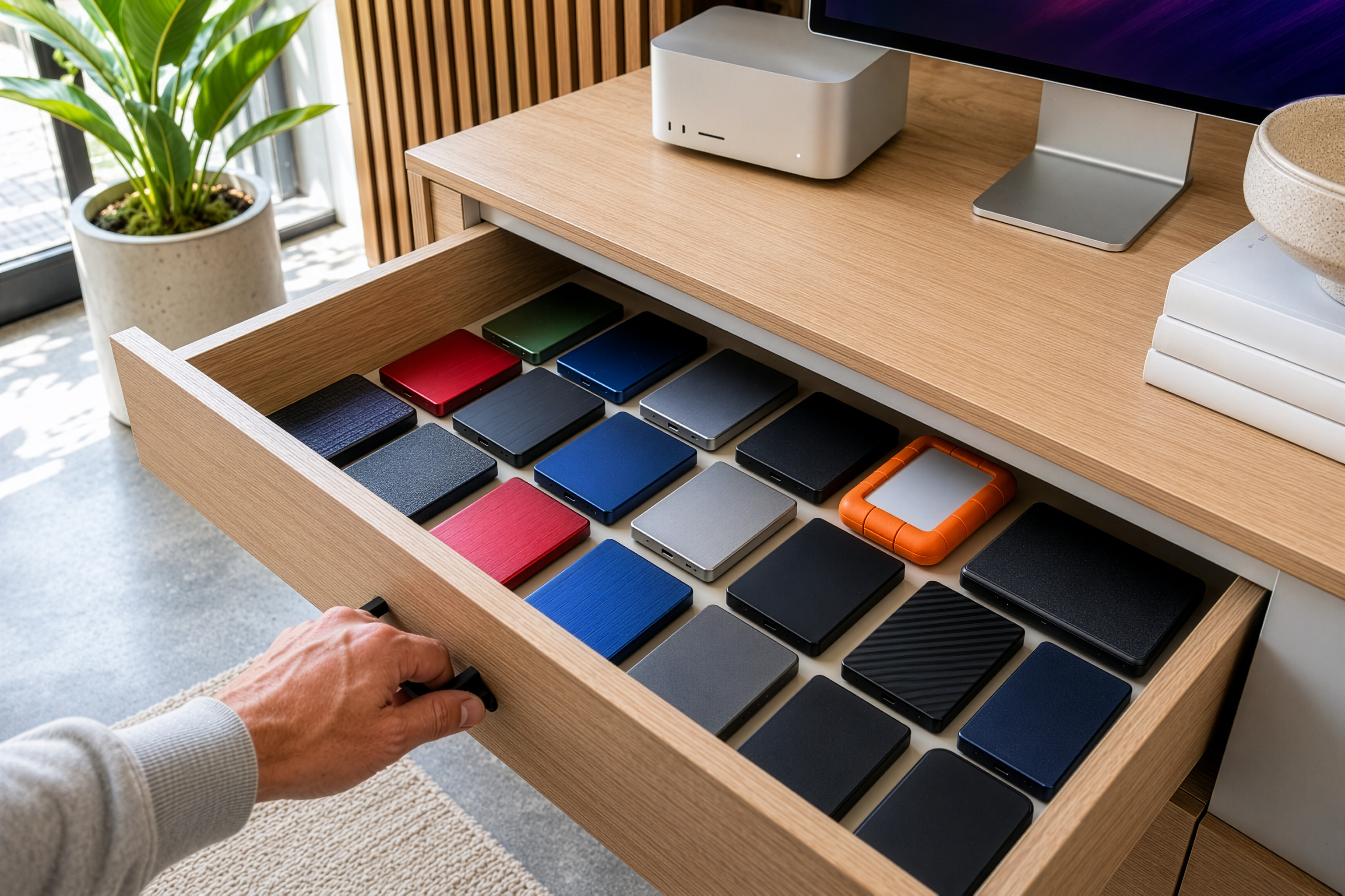
27 drives indexed · 1.2 million files searchable · 0 plugged in


Plug yourself in
See your files without the drive
DriveVault generates low-res visual previews of every image and video - so you can browse your archives like they're right in front of you. It's like having your entire hard drive in a tiny fraction of the space. Even when the drive is on a shelf, in storage, or across the world.
One scan. Permanent access.
Plug in a drive, hit scan, and DriveVault captures everything - file names, folder structures, metadata, and thumbnail previews for images and videos. Use Full Scan for visual browsing with rich metadata, or Quick Scan to catalogue even massive drives in seconds. Your files stay private. Nothing leaves your Mac.
Find any file in seconds - across every drive
Looking for that shoot from three years ago? Type a few letters in the menu bar and DriveVault surfaces it instantly - no need to open the app, no need to plug anything in. Filter by file type, date, size, or metadata to zero in on exactly what you need.
Know your backups actually worked
Select two drives and DriveVault instantly compares them - file by file. See exactly what's missing from the smaller drive and where those files live on the larger one. No more hoping your backup is complete. Get a detailed report that shows the truth.
Group drives the way your brain works
Drag drives into Projects and organise them however makes sense to you - by client, by year, by shoot, by vibe. When you've got dozens of drives, structure is everything. DriveVault makes it effortless.
See the big picture
How much storage do you actually have? Where is it all going? Library Stats breaks down your entire archive - total capacity, space used, file types, and more. Finally understand what you're working with across every drive you own.
Share your archive with your team
Export your library - or just specific drives - and send it to a colleague. They'll see everything you see: folder structures, previews, metadata, search. One person scans. Everyone benefits. No cloud required.
Light. Dark. Glass. Your call.
Three beautiful themes to match your setup and your mood.
DriveVault looks right at home on any Mac.
No Subscription. Pay once, own it forever.
Pick a plan based on how many drives you have
Every plan unlocks every feature. No upsells, no drive size limits, no recurring fees.
Just simple, honest pricing.
Free
$0
1 drive · Up to 4TB
Starter
$14.99
Up to 5 drives
Pro
$24.99
Up to 10 drives
Advanced
$34.99
Up to 15 drives
Ultimate
$45.99
Up to 20 drives
Unlimited
$99.99
Unlimited drives
DriveVault can also grow with you
Ready to build your powerful DriveVault?
Scan your drives once, then browse and search them forever.
Even when they're unplugged.